Data Backup is More Important Than You Think
Every business stores and sends data: financial spreadsheets, client information, employee records and more. What would you do if all of it suddenly vanished, or worse, was stolen?
Nobody likes to imagine the worst case, but failing to plan for it can lead your business into a disaster it can’t recover from. You owe it to yourself, your employees and your clients to keep business continuity top of mind. That’s why every organization should have data backup and disaster recovery in place. Backup may seem valuable only when you use it, but not having it can be devastating.
Data backup
Backups are copies of your organization’s data that you can use if something happens to the original. They’re especially important after a data loss incident or a security breach.
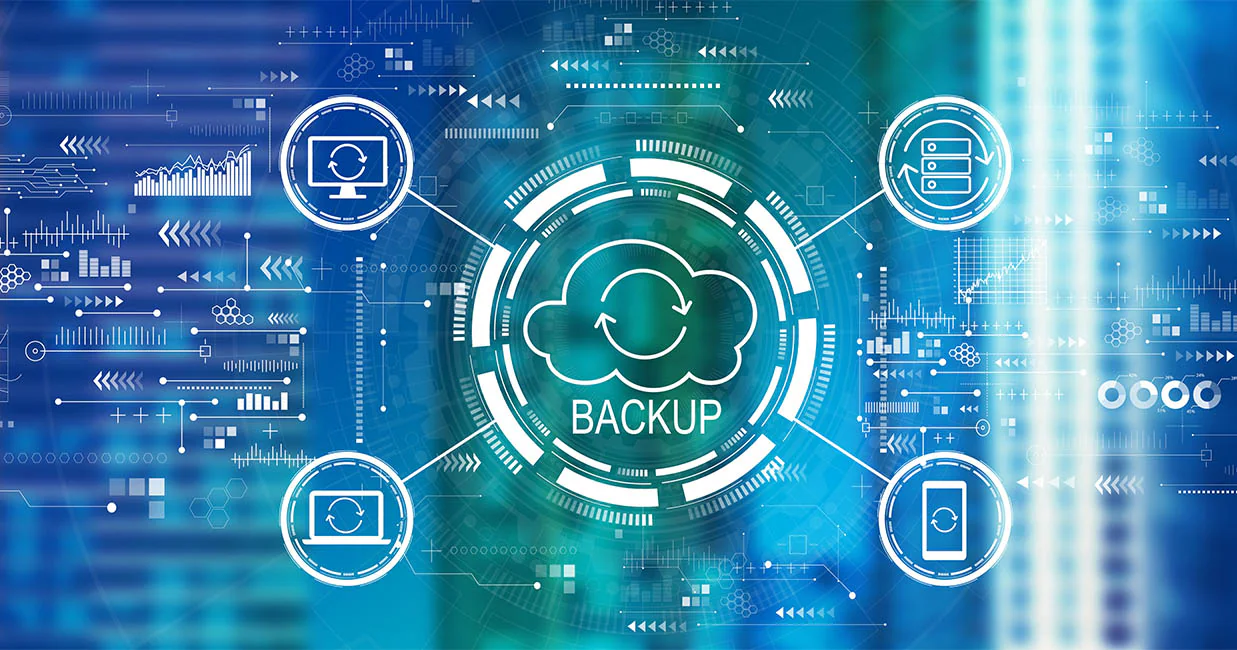
Backups were traditionally done on tape: load the tape, run the backup, and store the tapes on-site or off-site in case they were ever needed. Tape was the standard for a long time, but it has drawbacks that modern solutions address, including slow speed, user error and storage space. With the cloud, businesses can automate backup, reducing the chance of human error, speeding things up and freeing on-site storage.
Disaster recovery
Backup is one part of disaster recovery. Your backups need to be ready to use at a moment’s notice. Data breaches, natural disasters and user error can all corrupt or destroy your data and the systems it lives on. Without your data, operations can’t return to normal, and the downtime can wreck your budget and productivity.
For disaster recovery, aim for a solution that minimizes downtime. Ideally, it can restore a cloud-based backup directly to temporary hardware you can use until a proper replacement is in place.
A good rule: keep three copies of your data, one on-site or on your network, one in a secure off-site data center and one in the cloud for easy restoration. That redundancy minimizes data loss and downtime after a disaster.
Your checklist
- Automate your backups. No manual steps to forget.
- Keep copies in more than one place. Including off-site.
- Plan how you’ll keep working. Temporary hardware, restore steps.
- Test restores regularly. Before you need them.
The bottom line
A backup and disaster recovery (BDR) solution covers your data and your ability to keep working. If you’d like help putting one in place, our Michigan team is here. Talk to our team: 248‑545‑0800.
From the Fuse archive, first published July 7, 2021. Read the latest on the Fuse blog.